
Entry
What Is the Best HIPAA Compliance Workflow Software for Healthcare Teams?
Your team is storing PHI in tools that never signed a BAA. One missing audit trail during an OCR inquiry can turn a routine review into a corrective action plan, and most teams only discover the gap after a vendor contract is already signed.
This article breaks down what actually matters in HIPAA compliance workflow software, including BAAs, audit trails, access controls, and security certifications. You will get a side-by-side look at six platforms and a clear number one pick, so you can decide which tool fits your healthcare team before you sign anything.
What to Look For in HIPAA Compliance Workflow Software
Healthcare teams must confirm that any workflow tool supports the administrative, technical, and physical safeguards required under HIPAA. A tool that automates tasks but leaves PHI exposed creates more risk than it removes.
The criteria below focus on contractual protections, technical controls, and independent validation. Each subsection details the specific features and certifications to verify before adoption.
Key Features: BAAs, Audit Trails, and Access Controls
At a minimum, HIPAA compliance workflow software must offer a signed business associate agreement (BAA), immutable audit trails, and granular access controls to safeguard PHI. Without a BAA, a covered entity cannot legally share protected health information with the vendor.
The BAA is non-negotiable for both covered entities and business associates. It establishes the vendor's obligations for safeguarding PHI, reporting breaches, and returning or destroying data at contract end. Ask for a signed BAA before any PHI enters the system, not after.
Audit trails should log every access, edit, and export of PHI with a timestamp and user identity. Look for logs that cannot be altered or deleted by end users, since tamper-evident records are what support incident investigations and compliance documentation.
Role-based permissions enforce the minimum necessary standard by limiting each user to the PHI their role requires. Practical checks include:
- Custom roles that map to job functions, not just admin versus user
- Field-level or record-level restrictions for sensitive data
- Automatic deprovisioning when staff leave or change roles
- Multi-factor authentication for all PHI access
Encryption at rest and encryption in transit are essential technical safeguards. Confirm that data is encrypted on the vendor's servers and in transit, and that encryption keys are managed under a documented policy.
Security Certifications and Data Residency
Independent security certifications like SOC 2 Type II and ISO 27001 demonstrate a vendor's commitment to protecting PHI, while data residency options help meet jurisdictional requirements. These attestations show that controls have been examined by an outside auditor, not just self-reported.
Certification scope matters as much as the badge itself. Ask which systems and locations the audit covered, and whether the report is current. A SOC 2 Type II report examines controls over a period of time, which is stronger evidence than a point-in-time assessment.
Data residency determines where PHI is stored and processed. US-based hosting supports compliance with state privacy laws, while EU or UK options may be needed for international operations or cross-border workforce arrangements.
Verify ongoing compliance rather than a one-time achievement. Request the latest audit report, ask how often penetration testing occurs, and confirm the vendor maintains a documented incident response and data breach notification process. A vendor that answers these questions readily is easier to trust with PHI.
1. Process Street - Best Overall
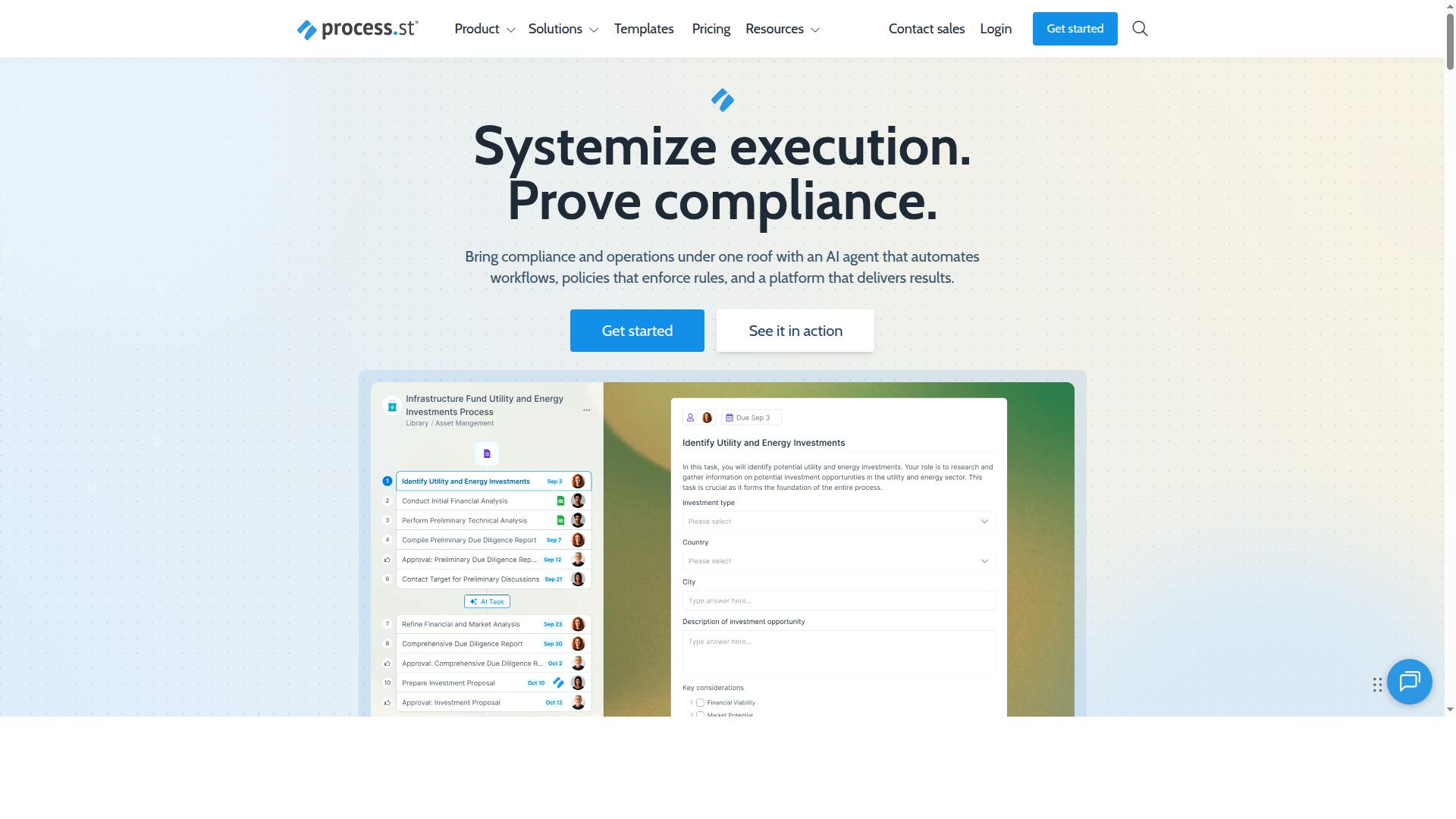
Process Street stands out as the best overall HIPAA compliance workflow software for healthcare teams seeking a balance of automation, security, and ease of use. Its compliance operations platform automates business processes, enforces policies, and delivers audit-ready proof, which maps directly to the daily demands of managing protected health information.
For healthcare teams, that means repeatable workflows for PHI safeguards, a clear audit trail, and structured workforce training. It is trusted by 3,000+ companies and 1m+ users, giving covered entities and business associates a proven foundation for compliance operations.
HIPAA Compliance, Pricing, and Key Features
Process Street provides HIPAA compliance capabilities through automated workflows, audit-ready documentation, and robust access controls, with pricing tiers suitable for startups to enterprises. The platform is HIPAA compliant with a BAA available upon request, so covered entities can formalize the business associate relationship before handling PHI.
Two core products carry most of the compliance weight. Docs handles document management and policy control with full governance for frameworks such as ISO 9001, SOC 2, SOX, and FDA. Ops turns those policies into AI-powered workflows, helping teams enforce administrative safeguards and keep consistent, provable records.
Role-based permissions and access controls support the technical safeguards side of the HIPAA Security Rule, while structured workflows make it easier to assign and track workforce training. Data is never used to train AI models, and data residency options are available in the US, UK, Canada, EU, Australia, and UAE regions.
Security credibility is backed by SOC 2 Type II and ISO 27001 certifications, alongside GDPR, CCPA, and AWS CIS compliance. The platform is also available on AWS Marketplace.
Pricing scales with team size and automation needs:
- Startup: a simplified Pro plan with unlimited workflows and tasks, up to 5,000 Data Set records, 5 users, 10 guests, 10 automation apps, 100 automation actions per month, and Public API access at 50 calls per month.
- Pro: unlimited workflows and tasks, up to 10,000 Data Set records, custom users and guests, all automation apps, and custom automation actions and API calls. A 14-day free trial is available with no credit card required.
- Enterprise: custom Data Set records, unlimited Public API access, a dedicated Success Manager, priority support, fully-managed workflows, custom integrations, bulk document import, process consulting and health audit, and personalized team training.
Integrations include Zapier, Microsoft Power Automate, Tray.io, Make, and Public API access, which helps connect compliance workflows to the wider toolset a healthcare team already runs.
2. Appian
Appian offers a low-code automation platform that can be configured for HIPAA-compliant workflows, though healthcare teams should verify BAA availability and specific safeguards. It is best understood as a general-purpose process automation and application development tool rather than a purpose-built healthcare compliance product.
That distinction matters for any covered entity or business associate evaluating HIPAA compliance workflow software. Strong automation can support administrative safeguards and documentation, but the compliance layer itself often depends on how the platform is set up and governed.
Appian's core strength is low-code process automation at enterprise scale. Teams can model approval chains, route tasks, and build internal applications with less hand-written code than traditional development. For larger organizations with complex, multi-department processes, that flexibility can be appealing.
The tradeoff is that healthcare-specific controls may require custom configuration. Features like audit trails, role-based permissions, and encryption settings should be confirmed with the vendor rather than assumed. Reviewers have also noted that Appian can demand significant developer and consultant resources to run effectively, which is worth weighing against internal capacity.
Before committing, healthcare teams should confirm a few essentials directly with Appian. These questions help separate a configurable platform from a genuinely compliance-ready deployment.
- Will the vendor sign a business associate agreement covering your intended use?
- How are audit trails captured, retained, and exported for compliance documentation?
- What access controls and role-based permissions are available out of the box?
- Which PHI safeguards, including encryption at rest and in transit, are supported?
- What is required for incident response and data breach notification workflows?
Appian tends to fit enterprises that already have developer and consultant resources on hand. Smaller clinics or lean compliance teams may find the configuration burden heavier than expected. Either way, treat the platform as a foundation and plan for the security risk analysis, policy management, and workforce training that the HIPAA Security Rule and Privacy Rule require regardless of tooling.
In short, Appian can work as part of a HIPAA compliance workflow stack, but only after careful vendor due diligence. Confirm the safeguards in writing, map them to your administrative, technical, and physical safeguards, and document the decisions for your compliance file.
3. Nintex
Nintex provides workflow automation and process management tools that can support HIPAA compliance efforts when properly configured with appropriate safeguards. It is built for enterprise teams that need to automate, document, and manage complex business processes without heavy reliance on IT staff.
The platform offers low-code and no-code workflow automation, drag-and-drop design tools, process mapping, document generation, eSign, robotic process automation, and application development. Cloud options include Nintex Automation CE, while self-hosted deployments use Nintex Automation K2, and Nintex for Salesforce operates inside Salesforce. It suits business users, mid-sized organizations, and teams across many industries.
For healthcare teams, the key question is not whether the tool can automate a process, but whether the implementation meets administrative safeguards and technical safeguards under the HIPAA Security Rule. Nintex can be part of that picture, but compliance depends on configuration, governance, and how protected health information flows through each workflow.
Pricing is available upon request, and a free demo is offered. Public customer ratings sit around 4.4 out of 5, though reviewers note challenging onboarding, slower support, and an occasionally unintuitive interface.
Before adopting Nintex for anything touching PHI, healthcare teams should ask pointed questions about the vendor relationship and the technical controls in place. A business associate agreement is the starting point, not the finish line.
- Is a BAA available, and what does it cover for cloud versus self-hosted deployments?
- What audit trail capabilities exist, and how long are logs retained?
- How are access controls and role-based permissions configured and reviewed?
- What encryption at rest and encryption in transit options are supported?
- How does the platform support incident response and data breach notification obligations?
These questions map directly to the HIPAA Privacy Rule and Security Rule, and the answers should be documented as part of your compliance documentation and policy management records.
Healthcare teams should treat any workflow tool as one component of a broader compliance program. A risk assessment and security risk analysis should come first, followed by workforce training and clear policy management around how PHI is handled.
Document generation and eSign features are useful for consent forms and internal approvals, but each automated step needs a defined owner and a review cadence. Physical safeguards still matter too, especially for any printed or locally stored records.
Where Nintex connects to electronic health records or other systems, confirm how data moves and who can see it. Integration points are often where PHI safeguards are weakest, so test them deliberately rather than assuming defaults are safe.
In short, Nintex can be a credible option for organizations with the resources to configure and govern it carefully. Teams that want faster setup and lighter administration may find the onboarding curve and support responsiveness worth weighing against their timeline.
4. ProcessMaker
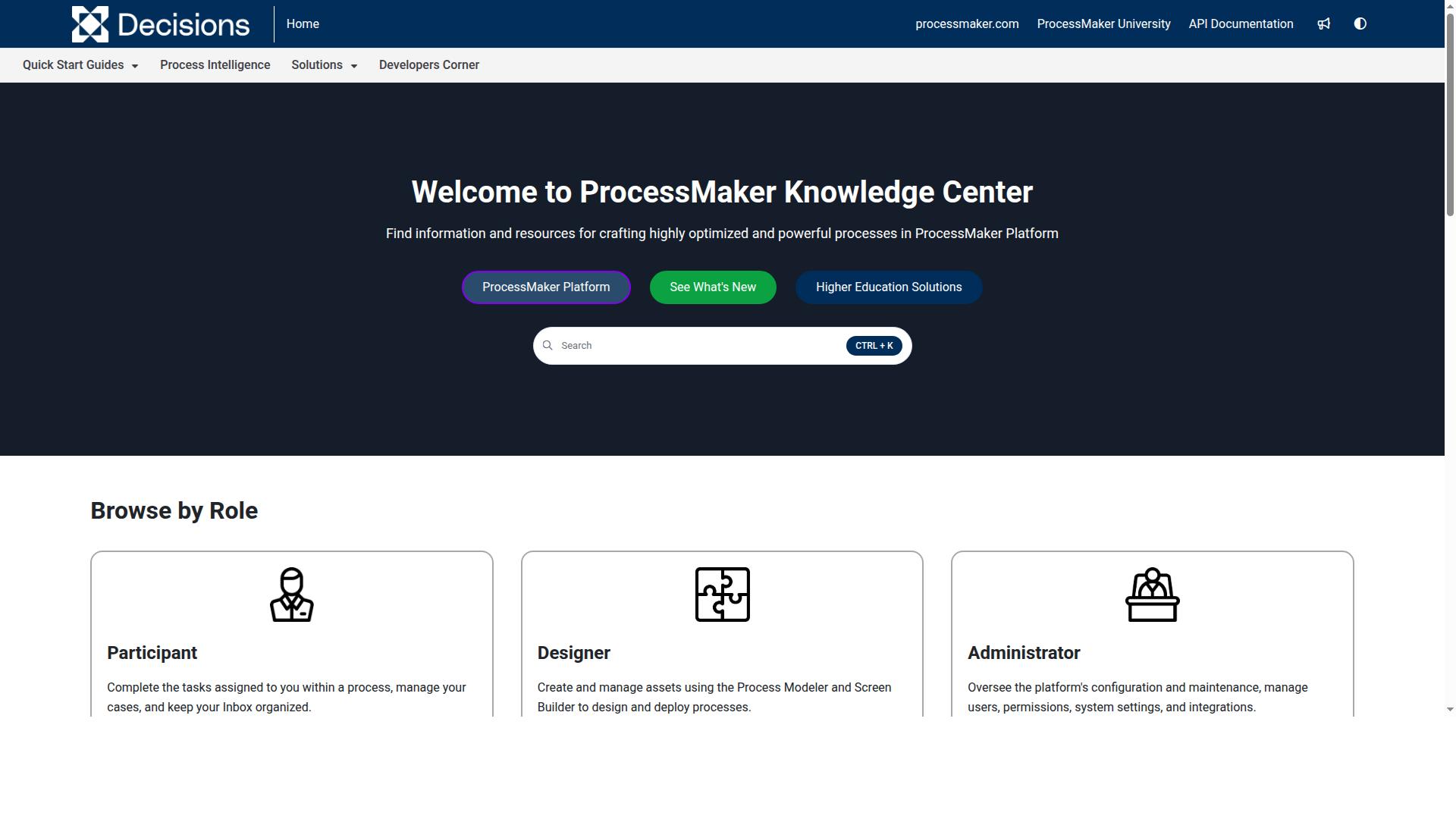
ProcessMaker is an open-source and enterprise business process management platform that can be tailored for HIPAA compliance workflows with the right security controls. It is now part of Decisions, and it functions as a low-code BPM and process automation tool aimed at organizations that need enterprise-grade workflow automation.
Its main strength is flexibility. Healthcare teams can model complex, multi-step processes, connect them to external systems, and adjust forms and logic without rebuilding everything from scratch. That makes it a fit for larger organizations with dedicated administrators and IT resources.
That same flexibility cuts both ways for compliance. ProcessMaker does not arrive as a ready-made HIPAA solution. Achieving compliance generally requires additional configuration, including setting up audit logging, defining role-based permissions, and confirming how data is encrypted at rest and in transit.
Before adopting it for protected health information, healthcare teams should verify several items directly with the vendor:
- Whether the vendor will sign a business associate agreement (BAA) covering your specific use case
- How audit trails are captured, stored, and made available for review
- Which encryption options exist for data at rest and data in transit
- How access controls and role-based permissions map to your administrative safeguards
- What incident response and data breach notification commitments apply
Pricing is listed as "Starts at $3,000/month, billed annually," and there is no free tier. It holds a G2 rating of 4.3/5. Those figures suggest a platform positioned for enterprise budgets rather than small practices.
ProcessMaker suits organizations that need deep business process management automation and have the staff to configure and maintain it. Teams looking for a simpler, documentation-first approach to compliance workflows may find the setup overhead harder to justify. As with any tool handling PHI, conduct your own due diligence, including a security risk analysis, before rollout.
5. Tallyfy
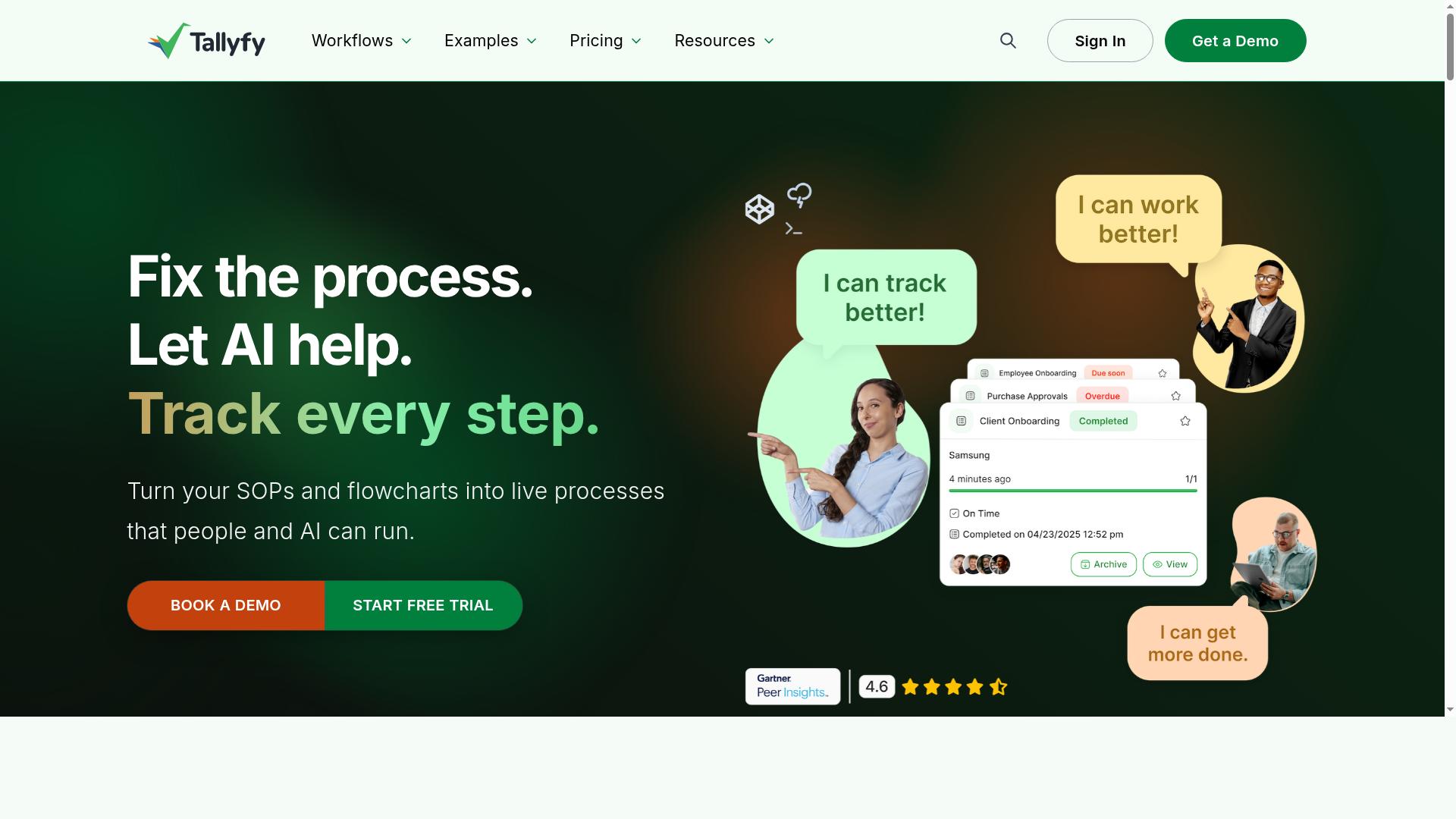
Tallyfy offers a user-friendly workflow and process management tool that can help healthcare teams document and automate HIPAA-related procedures. It is generally positioned as a simpler option for teams that want straightforward workflow automation without a steep learning curve.
For healthcare organizations, the appeal is in mapping recurring tasks into repeatable processes. Teams can use it to track steps in a security risk analysis, coordinate policy reviews, or assign follow-up actions after an incident. Clear ownership of each step helps reduce the chance that a required administrative safeguard gets missed.
Tallyfy is often categorized as team management software, and it offers an API along with integrations with other team management tools. That flexibility can suit smaller teams that already rely on a connected stack of productivity apps. Integration support matters when workflows touch electronic health records or other systems that handle protected health information.
Before adopting Tallyfy for anything involving PHI, confirm its compliance posture directly with the vendor. Ask specifically about:
- Whether the vendor will sign a business associate agreement (BAA)
- How audit trails record user activity and data changes
- What access controls and role-based permissions are available
- How data is protected through encryption at rest and in transit
- What incident response and data breach notification commitments apply
These questions align with the HIPAA Security Rule's administrative, technical, and physical safeguards. A tool that supports workflow automation is not automatically HIPAA compliant, and verification with the vendor is essential. Treat any compliance claim as something to confirm in writing rather than assume.
Tallyfy can be a reasonable fit for teams that prioritize ease of use and simple automation over deep compliance tooling. Organizations with complex EHR integration needs should compare it carefully against options built with healthcare compliance documentation in mind. As with any vendor, a documented risk assessment before rollout is the safer path.
6. SweetProcess
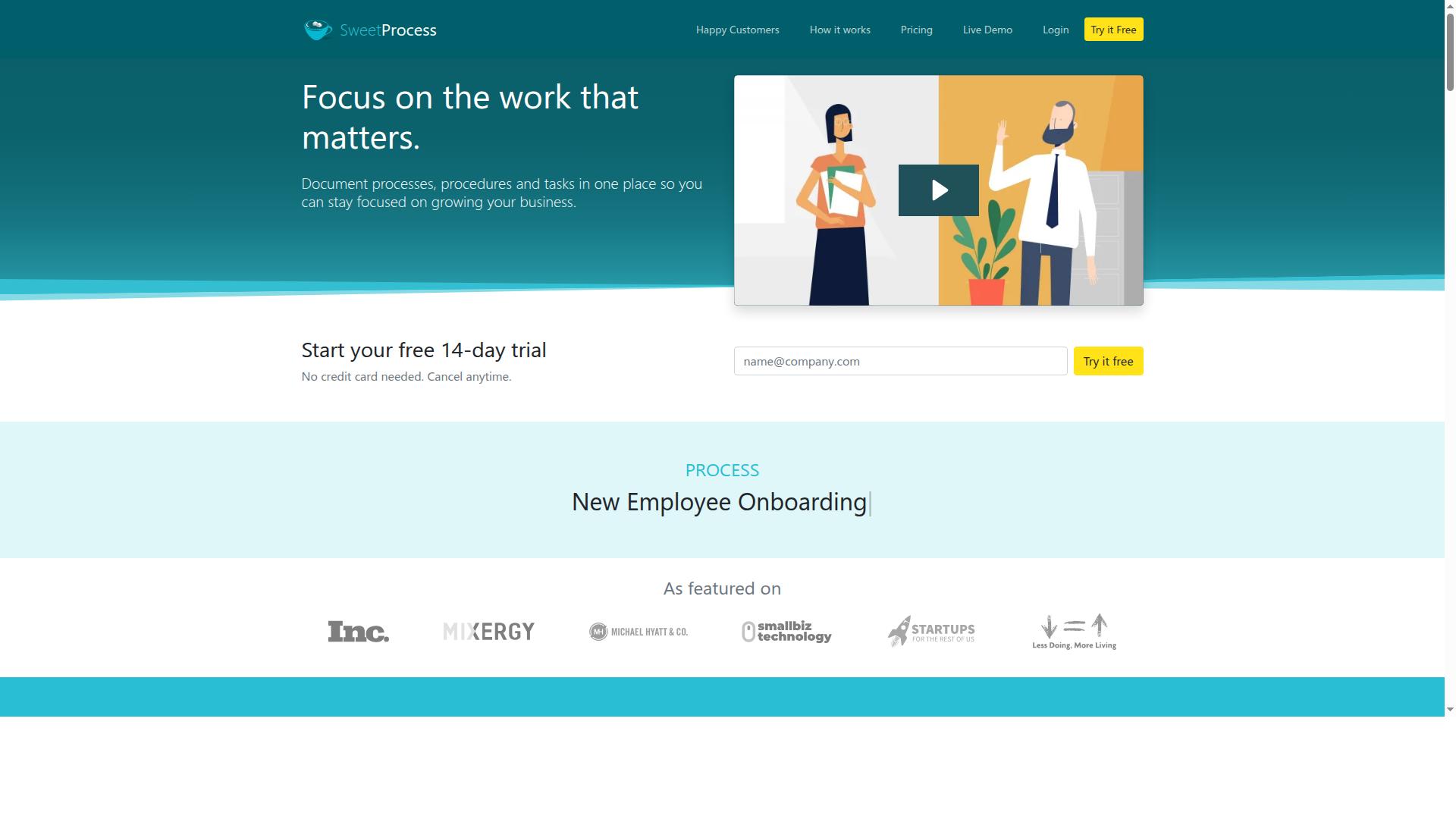
SweetProcess specializes in documenting standard operating procedures and workflows, which can support HIPAA compliance documentation and training for healthcare teams. Its core strength is turning scattered institutional knowledge into a structured, searchable system of procedures that staff can follow consistently.
That focus maps well onto the administrative safeguards of the HIPAA Security Rule, which call for documented policies, defined responsibilities, and ongoing workforce training. A tool that centralizes SOPs can make those requirements easier to organize and maintain.
SweetProcess is a web-based business process management platform. Users document their system of operating procedures, then assign and track tasks from one central point. The platform also lets teams approve or reject teammate suggestions, so procedures can be reviewed and refined over time.
For healthcare teams, that review loop matters. Policy management is not a one-time project, and a system that captures suggested edits helps keep compliance documentation current as regulations and internal processes change.
Several capabilities may be relevant when evaluating it for HIPAA-related work:
- Knowledge bases for onboarding new hires, which can support workforce training requirements
- Flowcharts and process diagrams to illustrate workflows visually
- Remote task tracking so assigned steps can be followed from any location
- Two-factor authentication to help secure access to stored SOPs
All SweetProcess plans include all features, and a free 14-day trial is offered with no credit card required. That structure simplifies evaluation, since buyers do not have to compare tiers to see the full feature set.
Documentation alone does not satisfy HIPAA. Teams should confirm two things before adopting any process tool for compliance work. First, whether the vendor will sign a business associate agreement, since a platform storing PHI-related procedures may function as a business associate. Second, whether the platform offers the technical safeguards the Security Rule expects.
Those safeguards include access controls and role-based permissions, audit trails that record who viewed or changed a document, and encryption at rest and in transit. Two-factor authentication is a helpful signal, but it is one piece of a broader control set.
It is also worth asking how the tool fits into incident response and data breach notification workflows, and whether documented procedures can be exported if the relationship ends. SweetProcess appears strongest as a procedure and training repository. Teams with heavy technical safeguard requirements should verify the rest directly with the vendor.
How to Choose the Right Option
Choosing the right HIPAA compliance workflow software depends on your organization's size, existing EHR integrations, and the specific administrative, technical, and physical safeguards you need to enforce. A solo clinic and a multi-state health system face very different demands, so the evaluation criteria should be weighted to match your reality. Use the framework below to compare options on equal footing.
Start with the non-negotiable safeguards. Any vendor handling protected health information should sign a business associate agreement, and you should confirm that in writing before a demo. Ask how the platform supports audit trails, role-based permissions, and encryption at rest and in transit. These map directly to the HIPAA Security Rule and are the baseline, not a bonus.
Then weigh operational fit. Data residency matters if you operate across regions, and security certifications help satisfy your own risk assessment. Pricing should be compared on total cost, including seats, automation limits, and API access, not just the headline plan. Ease of use determines whether staff actually complete workforce training and compliance documentation tasks on time.
Different stakeholders should own different questions:
- Operations: How quickly can workflows be built and changed, and does the tool fit existing processes?
- Compliance: Does it support policy management, risk assessment tracking, and incident response documentation?
- IT and security: What access controls, encryption, and data residency options exist, and is a BAA available?
Bring all three groups into the selection process early. Healthcare teams benefit from this most, but the same approach works for financial services and other regulated industries where operations, compliance, and IT and security share accountability for sensitive data.
Organization size shapes the shortlist. Smaller teams should prioritize fast setup and clear pricing tiers. Larger covered entities and business associates usually need custom integrations, granular permissions, and dedicated support. Ask each vendor for a demo and security documentation, including their BAA template and any certification evidence, before you commit.
Process Street illustrates how these criteria come together. It is HIPAA compliant with a BAA available upon request, and data residency options cover the US, UK, Canada, EU, Australia, and UAE regions. Pricing runs from a simplified Startup plan through Pro to Enterprise, with a 14-day free trial on Pro and no credit card required. Enterprise adds custom integrations, bulk document import, and process consulting, which suits larger healthcare teams formalizing their safeguards.
Final Verdict
After evaluating key features, security certifications, and pricing, Process Street emerges as the best overall HIPAA compliance workflow software for most healthcare teams. Its mix of workflow automation, document management, and compliance features covers the daily work that HIPAA demands, from policy management to audit-ready records.
The platform is trusted by 3,000+ companies and 1m+ users, and it holds SOC 2 Type II and ISO 27001 certifications. Process Street is also HIPAA compliant, with a BAA available upon request, which matters for any covered entity or business associate handling protected health information.
Three capabilities do most of the work for healthcare teams:
- Docs gives document management and policy control with full governance for frameworks like ISO 9001, SOC 2, and SOX, which supports compliance documentation and policy management.
- Ops turns policies into AI-powered workflows, so administrative safeguards become repeatable steps rather than scattered checklists.
- Cora, the AI compliance agent, monitors regulations, automates work, and flags risks 24/7, which helps teams keep pace with changing requirements.
Data residency options in the US, UK, Canada, EU, Australia, and UAE help teams meet local requirements, and data is never used to train AI models. A 14-day free trial on the Pro plan requires no credit card, so teams can validate fit before committing.
Other tools still make sense in specific situations. EHR-native platforms suit teams that want compliance work embedded directly in clinical systems. General-purpose automation tools fit organizations with strong internal security resources. Dedicated policy libraries help teams that mainly need template content. For most healthcare teams wanting one place for PHI safeguards, audit trails, and workforce training records, Process Street offers the broadest verified foundation.
To learn more, contact Process Street sales for a demo, or reach support by email and chat, where the average response time is 5 minutes and the customer rating sits at 98%. A short conversation is enough to confirm whether the platform matches your compliance workflow needs.
Frequently Asked Questions
Is Process Street actually HIPAA compliant, and will you sign a BAA?
Yes. Process Street is HIPAA compliant and offers a Business Associate Agreement (BAA) available upon request, so healthcare teams can handle protected health information with the right contractual safeguards in place. It's also SOC 2 Type II and ISO 27001 certified, which supports the broader security posture compliance teams need. Contact sales to arrange the BAA as part of your setup.
How does Process Street turn HIPAA policies into day-to-day workflows?
Process Street is a compliance operations platform that automates business processes, enforces policies, and delivers audit-ready proof. Teams can use its Docs offering for document management and policy control, and its Ops offering to turn those policies into AI-powered workflows that standardize how work actually gets done. The result is consistent execution plus the documentation trail auditors ask for.
Does Process Street use our data to train AI models?
No. Process Street states that customer data is never used to train AI models, which matters for healthcare teams evaluating AI features like Process AI and the Cora compliance agent. Combined with its HIPAA compliance and BAA availability, this makes it easier to adopt AI-assisted workflows without compromising data governance.
Can we keep our data in a specific region for HIPAA and state-law requirements?
Yes. Process Street offers data residency options in the US, UK, Canada, EU, Australia, and UAE regions, so healthcare organizations can align data location with their regulatory and contractual obligations. This is particularly useful for multi-region providers or teams serving patients under different jurisdictions.
What does Process Street cost, and can we trial it before committing?
Process Street offers a 14-day free trial on its Pro plan with no credit card required, so teams can test HIPAA-relevant workflows before buying. Paid plans range from a Startup plan (up to 5 users, unlimited workflows and tasks, 100 automation actions/month) through Pro to Enterprise, which adds a dedicated Success Manager, priority support, custom integrations, and process consulting. Contact sales for exact pricing tailored to your team size and needs.
How does Process Street compare to low-code BPM tools like Appian, Nintex, or ProcessMaker?
Process Street is purpose-built for compliance operations, pairing policy documentation with automated workflows and audit-ready proof rather than requiring heavy development work. By contrast, tools like Appian are often described as needing developers, consultants, and significant budgets to run, and ProcessMaker is positioned as enterprise-grade BPM with pricing starting around $3,000/month billed annually and no free tier. For healthcare teams that want faster time-to-value, Process Street's 14-day free trial and 75%+ reduction in setup time reported by IMCD UK are worth weighing against those heavier platforms.