
Entry
Order Updates for Customer Support Teams: What Actually Works
Every "where is my order" ticket starts with a customer who already checked their email twice. That silence after checkout costs support teams hours and customers their patience. Order updates are the difference between a calm inbox and a queue full of refund requests. This breakdown of Whatsapp Business API covers the trade-offs in more depth.
This article breaks down what actually works, from timing and triggers to channel choice and message copy. You will learn how to connect order events to messaging systems, handle delays and returns, and measure deflection, CSAT, and repeat purchase impact. By the end, you will know how to build an order update workflow that reduces tickets instead of creating them.
Why Order Updates Break Support Teams (And What It Costs)
Order updates are a critical touchpoint, yet many support teams struggle with high volumes of 'Where Is My Order?' (WISMO) tickets that strain resources and frustrate customers. What should be a simple status check becomes a daily flood of repetitive questions, and each one pulls an agent away from work that actually needs a human touch.
The root problem is rarely the support team itself. It is usually a gap between what the order management system knows and what the customer can see. When that gap exists, customers contact support because they have no other option.
This section covers where order updates break down, what those failures cost, and what customers genuinely expect after they click "buy." Understanding the problem is the first step toward fixing it.
The Hidden Cost of "Where Is My Order?" Tickets
Each WISMO ticket consumes support time, and for a mid-sized e-commerce store processing high order volumes, those costs add up quickly in avoidable support work. Even a small percentage of buyers reaching out adds up fast at that volume.
The cost is not just money. Every WISMO inquiry consumes agent attention that could go toward complex issues like damaged goods, billing disputes, or retention conversations. Those are the interactions that protect revenue.
There is also a morale problem. Answering the same question hundreds of times a week wears teams down. Agents feel like human tracking pages instead of problem solvers, and turnover often follows.
Consider what a typical WISMO ticket involves:
- An agent opens the help desk software and searches for the order
- They check the order management system, then the carrier site separately
- They copy a tracking number and paste a status into a reply
- The customer replies again because the answer was vague
Multiply that by hundreds of tickets, and the drain becomes obvious. Many customers contact support only because tracking information was unclear or never sent in the first place. Fixing that upstream is cheaper than answering downstream.
What Customers Actually Expect After Checkout
Modern customers expect proactive, real-time updates at every stage: from order confirmation to delivery, with accurate estimated delivery dates and immediate notifications of delays. Silence after purchase reads as neglect, even when the package is moving on schedule.
The expectations break down into a predictable sequence:
- Order confirmation immediately after checkout, with item and total details
- Shipping confirmation with a working tracking number
- Ongoing delivery status updates as the package moves
- Delay notifications sent before the customer has to ask
Many consumers actively track their orders, and a large majority expect proactive updates rather than having to hunt for status. When those updates arrive through SMS alerts or an order status page, the urge to contact support drops sharply.
Proactive notifications also set realistic expectations. A delay notification that arrives early feels like good service. The same information discovered by a frustrated customer feels like a failure, even though the facts are identical.
Meeting these expectations does not require a massive team. It requires reliable data flowing from fulfillment and logistics systems into the channels customers already check, whether that is email, SMS, or a self-service portal.
What Actually Works: The Anatomy of an Effective Order Update
An effective order update is timely, relevant, and delivered through the right channel, turning a potential support query into a moment of reassurance. Every message a customer support team sends about an order either builds trust or erodes it. The difference usually comes down to three variables: when the message arrives, where the customer receives it, and how clearly it is written.
Most order-related contacts to support teams fall into a single category known as WISMO, short for "where is my order." These inquiries are largely preventable. When customers already know their order status, they have no reason to open a ticket, which frees support agents to focus on genuine problems like damaged items, address errors, and payment issues.
A well-built order update does three jobs at once. It confirms that the order exists and is moving, it sets a realistic expectation for arrival, and it gives the customer a clear next step if something needs attention. Miss any one of those and the message becomes noise rather than reassurance.
The sections below break down each component in turn: timing and frequency, channel selection, and message quality. Together they form a practical framework that any customer support team can apply, whether it runs on a basic order management system or a fully integrated help desk.
Timing, Triggers, and Message Frequency That Don't Annoy
The ideal order update cadence includes four key triggers: order confirmation (immediate), shipping confirmation (within 24 hours), out-for-delivery (morning of delivery), and delivered (upon receipt). These four moments map to the questions customers actually ask, so each message answers a question before it becomes a support ticket.
Order confirmation should go out within minutes of purchase. At this stage the customer wants proof the transaction worked and a summary of what they bought. Include the order number, item list, total, and expected processing window.
Shipping confirmation follows once the fulfillment team hands the package to the carrier. This message should carry the tracking number and a link to the order status page. A 24-hour window is a reasonable target for most e-commerce operations, though same-day dispatch makes it even stronger.
The out-for-delivery notice lands on the morning of delivery. It is the most time-sensitive message in the sequence because the customer may need to arrange to be home. The delivered confirmation closes the loop and creates a natural opening for a review request or a support prompt if something went wrong.
Frequency matters as much as timing. As a general rule, four to five updates per order is the ceiling before messages start feeling like spam. Exceptions, such as a delay notification or a customs hold, justify an extra message because they carry new information. Updates sent purely to fill a schedule do not.
Support teams should also build in quiet hours. A shipping confirmation at 3 a.m. reads as automated and impersonal, even when the content is useful. Scheduling sends to land during reasonable local hours costs nothing and protects the customer relationship.
Channel Choice: Meeting Customers Where They Already Are
While email remains a staple, messaging apps like WhatsApp, Facebook Messenger, and SMS offer high open rates, making them powerful channels for time-sensitive order updates. That gap in visibility explains why many support teams now treat messaging as a primary channel rather than a supplement.
Each channel has a natural role, and matching the message to the medium is what makes a multi-channel strategy work rather than overwhelm.
- Email suits low-urgency, high-detail messages: order confirmations, receipts, and full delivery summaries with itemized contents.
- SMS alerts fit high-urgency, short messages: out-for-delivery notices and same-day delay warnings.
- Messaging apps support high engagement and rich media, including images of the package or interactive tracking cards.
- Self-service portals serve customers who want to check status on their own schedule without waiting for a message.
A practical approach is to let the customer choose a preferred channel at checkout, then reserve SMS or messaging for the two most time-sensitive triggers. Email can carry the rest. This reduces fatigue while keeping the urgent moments visible.
Self-service deserves particular attention. A clear order status page that updates in real time removes the need for many outbound messages entirely. Customers who can check status themselves often stop contacting support altogether, which lowers ticket volume without lowering satisfaction.
Channel choice also depends on order value and complexity. A high-value or fragile item may justify a personal message from an agent. A routine low-cost purchase rarely does. Support leaders should define these thresholds so agents are not making the call case by case.
Writing Order Updates People Read (and Trust)
Effective order updates are concise, personalized, and action-oriented: they include the order number, current status, estimated delivery date, and a clear next step if action is needed. Everything else is optional. Customers skim these messages, often on a phone, so the essential facts need to sit near the top.
Tone should be friendly but plain. Jargon like "manifest scanned" or "in transit to hub" means little to most buyers. Translate carrier language into human terms: "Your package left our warehouse and is on its way to you."
Specific details build trust. A message without an order number or tracking link forces the customer to go hunting, which is exactly the friction proactive notifications are meant to remove. Include the carrier name, the tracking number, and a direct link to the order status page.
Compare these two versions of the same update:
- Weak: "Your order status has been updated. Please check your account for details."
- Strong: "Good news, order #48213 shipped today via UPS. It should arrive by Thursday, March 14. Track it here: [status page link]."
The strong version answers the customer's real question in one line. It names the order, the carrier, the arrival window, and the next step. The weak version pushes work back onto the customer and invites a support ticket.
Formatting matters just as much as wording. Short sentences, a clear subject line, and mobile-friendly layout keep the message readable on a small screen. Avoid dense paragraphs and buried details. If a delay has occurred, say so directly and lead with the new estimated delivery date rather than an apology paragraph.
Finally, keep the voice consistent across every trigger. A confirmation that sounds warm and a delay notice that sounds robotic signals to customers that no one is really behind the message. Consistency across the sequence is what makes an order update program feel trustworthy rather than automated.
Building the Workflow: From Order Event to Delivered Message
Building an automated order update workflow requires integrating your e-commerce platform, help desk, and messaging channels to trigger updates based on order events. The goal is simple: when something changes in the order lifecycle, the right message reaches the customer without an agent manually sending it.
At its core, the workflow follows a trigger-action pattern. An order event fires, such as order placed, payment confirmed, shipment created, or delivery scanned. That event carries data, including order ID, line items, carrier, and tracking number. A rule engine then matches the event to a message template and a channel.
Middleware or a unified platform sits between these systems and translates data formats. Rather than building point-to-point connections for every store, help desk, and messaging tool, teams route everything through one layer. That layer normalizes statuses, enriches records, and decides when to send.
A typical event-to-message flow looks like this:
- Order event fires in the e-commerce platform (for example, a fulfillment status change)
- Middleware receives the event via webhook or API poll and validates the payload
- The order management system maps the raw status to a customer-friendly label
- A message template is populated with order details, tracking number, and estimated delivery date
- The message is dispatched through email, SMS alerts, or an in-app notification
The value of this architecture is consistency. Every customer gets the same clear update at the same point in the journey, which reduces WISMO contacts and frees support teams for harder problems.
Connecting Store, Support, and Messaging Systems
Integrating your e-commerce platform (e.g., Shopify, Magento, WooCommerce) with a help desk (e.g., Zendesk, Intercom) and messaging channels ensures order data flows seamlessly to trigger timely updates. Most teams start with pre-built connectors before considering custom API work.
Pre-built connectors handle the common cases quickly. They sync order records, customer profiles, and ticket histories on a schedule or in real time. Where a connector does not exist, a REST API or webhook gives you the same result with more setup effort.
Once systems are connected, the next step is status mapping. Raw platform statuses rarely match what customers understand. Map each internal state to a message trigger:
- Order placed, triggers an order confirmation with summary and payment status
- Processing or picked, triggers a preparation update if the window is long
- Shipped, triggers a shipping confirmation with carrier and tracking number
- Out for delivery, triggers a same-day SMS alert where the carrier supports it
- Delivered, triggers a confirmation and a light request for feedback
Carrier integration deserves separate attention. Pull tracking numbers and delivery scans directly from carrier APIs so the delivery status in your messages reflects reality, not a manual entry. Where a carrier lacks an API, a tracking link is the fallback.
Real-time data sync matters because stale updates erode trust. A customer who receives a shipping confirmation after the package already arrived learns to ignore your messages. Near real-time sync, even if it means polling every few minutes, keeps updates credible.
Finally, decide where the message originates. Some teams send from the help desk so replies land as tickets. Others send from a dedicated messaging tool and log a copy to the CRM. Either works, as long as the order status page and the message agree.
Handling Exceptions: Delays, Failed Deliveries, and Returns
Exception handling is critical: when a delay or failed delivery occurs, proactive notifications with clear explanations and next steps can turn a negative experience into a trust-building moment. Silence is what drives angry tickets.
Delay notifications should lead with the new information, not an apology paragraph. State the revised estimated delivery date, give a brief reason if known, and offer a way to ask questions. If the new date is uncertain, say so rather than promising a date you may miss again.
Failed deliveries need options, not just alerts. A customer who missed a signature requirement wants to reschedule, redirect, or pick up locally. Put those choices in the message itself, ideally as a link to a self-service portal where the change can be made in a few clicks.
Returns benefit from the same proactive posture. When a return is initiated, confirm receipt of the request, explain the drop-off or pickup process, and set expectations for refund timing. A short checklist works better than a paragraph:
- What to include in the package
- How to generate and attach the return label
- Where to drop it off or how to schedule pickup
- When to expect the refund or replacement
Automation can help triage these cases. Rules can detect a delay from carrier data, trigger the right template, and open or update a ticket so an agent has context if the customer replies. Sentiment analysis on replies can flag frustrated customers for human follow-up.
The measure of success is deflection without neglect. If exception messages answer the obvious question, most customers never contact support. The ones who do arrive with a specific issue, which is a far better starting point for the team.
Measuring What Matters: Metrics for Order Update Programs
To prove ROI, track metrics like WISMO ticket deflection rate, customer satisfaction (CSAT) scores, and repeat purchase rates among customers who receive proactive updates. These three indicators connect directly to the goals most support leaders care about: fewer inbound tickets, happier buyers, and stronger retention.
Vanity metrics such as total notifications sent or open rates tell you whether messages go out. They do not tell you whether those messages reduce workload or improve the customer experience. Outcome metrics matter more than volume metrics when you report to leadership.
A practical measurement plan pairs each metric with a clear owner, a reporting cadence, and a baseline captured before the program launches. Without a baseline, you cannot show improvement, only activity.
It also helps to segment results by channel and by customer type. A first-time buyer receiving SMS alerts may behave differently from a repeat customer reading email updates. Segment-level reporting reveals which combinations of proactive notifications actually move the numbers.
Finally, tie each metric back to a business question. Deflection answers "did we reduce cost to serve?" CSAT answers "did the experience improve?" Repeat purchase answers "did loyalty grow?" Together they form a balanced scorecard for the program.
Tracking Deflection, CSAT, and Repeat Purchase Impact
A well-executed order update program can improve WISMO ticket deflection, lift CSAT, and support stronger repeat purchase rates over time. Treat these as directional targets, not guarantees. Your results depend on order volume, carrier mix, and how well your notifications match real delivery events.
To calculate deflection rate, compare the volume of "where is my order" tickets per hundred orders before and after launch. Subtract the new rate from the baseline, then divide by the baseline. Track the ratio, not just the raw count, so seasonal spikes in order volume do not distort the picture.
Measure CSAT through short post-delivery surveys triggered by the delivery status event. Ask one question about the delivery experience and one about communication quality. Keep it to two taps or fewer, since response rates fall sharply with every added field.
Analyze repeat purchase behavior with cohort analysis. Group customers by the month of their first order, then compare the 90-day and 180-day repurchase rates of those who received proactive updates against a similar group who did not. Cohort comparison isolates the update effect from broader marketing activity.
Watch for these common measurement pitfalls:
- Counting a ticket as deflected when the customer simply contacts you through a different channel.
- Surveying only happy customers, which inflates CSAT scores.
- Ignoring refunds and returns when calculating repeat purchase rates.
- Changing notification timing and content mid-cohort, which muddies attribution.
For continuous improvement, review the dashboard monthly and test one variable at a time. A delay notification with a revised estimated delivery date, for example, may reduce follow-up contacts more than a generic apology message. Sentiment analysis on reply threads can surface frustration that survey scores miss, and a self-service portal or chatbot can catch the remaining WISMO questions that notifications do not preempt.
Where a Unified Platform Fits: Com.bot's Order Updates
A unified platform like Com.bot can streamline order updates by connecting your store, support, and messaging channels into one automated workflow. Instead of juggling a help desk, a separate messaging tool, and an e-commerce backend, support teams work from a single space where customer conversations and order context live together.
That matters because order updates break down most often at the seams. A tracking number sits in one system, the customer asks "where is my order" in another, and an agent has to stitch the two together manually. Every handoff between tools adds delay and increases the chance a customer hears nothing at all.
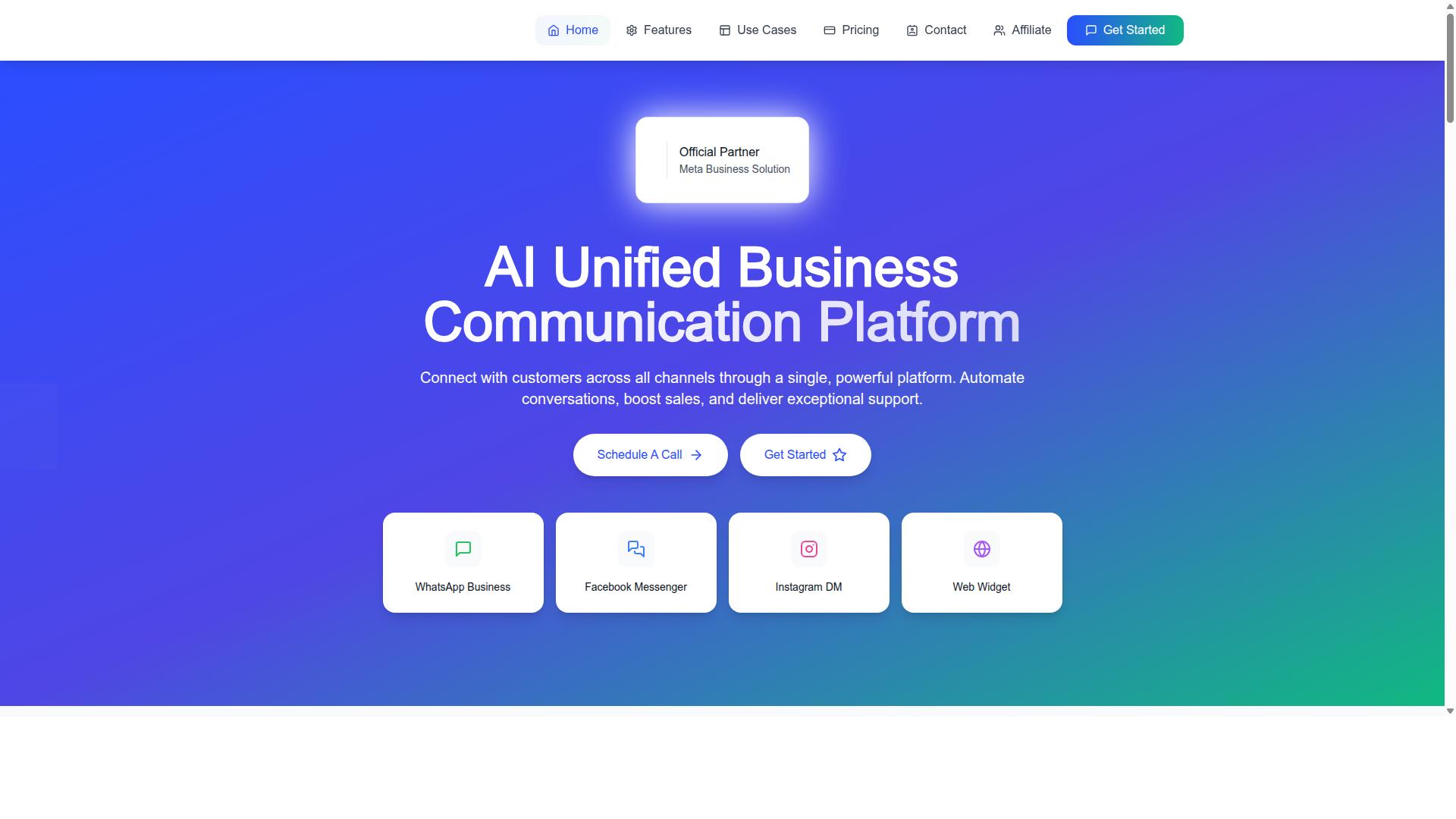
Com.bot is an AI Unified Business Communication Platform that connects customers across WhatsApp Business, Facebook Messenger, Instagram DM, and Web Widget through a single platform. It supports automation of conversations, sales boosting, and support delivery. It is also an Official Meta Business Partner with direct WhatsApp Business API integration, which matters for teams that treat messaging as a primary support channel rather than an afterthought.
For customer support teams handling proactive notifications, the practical value is consolidation. Shipping confirmations, delivery status changes, and delay notifications can flow through the same channels customers already use to ask questions. Fewer tools means fewer support tickets born from miscommunication, and agents spend less time switching windows and more time resolving real exceptions.
Channels, Automation, and Pricing at a Glance
Com.bot offers multi-channel support (WhatsApp, Facebook, Instagram, Web Widget), a visual bot builder for automation, and native payments, with plans starting at $149 per quarter. The channel mix covers the places customers already send order questions, so teams do not need to force everyone into email.
The visual bot builder supports the repetitive side of order updates, and common requests like tracking a package or checking a delivery status can be automated, which frees agents for exception handling and the conversations that genuinely need a human. Native payments round out the flow for teams that sell or collect directly inside a conversation.
Pricing is structured across three tiers, all billed quarterly in USD:
| Plan | Price |
|---|---|
| Silver | $149 per quarter |
| Gold (Recommended) | $349 per quarter |
| Platinum V1 | $2500 per quarter |
Add-ons run $10 per month each and cover additional team members, social channels, external actions (per 5000), bot triggers (per 25000), and an ecom store. Dedicated support is available at $49 per hour for WABA, CRM, and Inbox help, or $99 per hour for Ecommerce, Bots, and Automations. WhatsApp messaging is billed at actual Meta rates with no markup.
For a small support team, the Silver tier plus a social channel add-on can cover the basics of order tracking updates. Larger operations with heavy message volume may lean on the Gold or Platinum tiers and bot trigger add-ons instead. The structure scales by usage rather than forcing every business into the same shape, which keeps the entry point reasonable for teams testing a unified approach for the first time.
Recommended Resources: